AI Image Inpainting
Edit Only What You Mark
Change objects, clothes, or details instantly. Unlike other tools, we strive to keep the unmasked areas of your image as intact as possible.
Click or Drag image here
Supports JPG, PNG, WebP, HEIC
If empty, the marked region will be removed and filled with surrounding content.
See It In Action
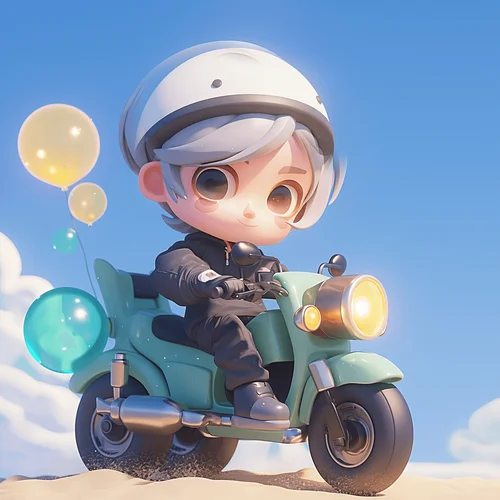
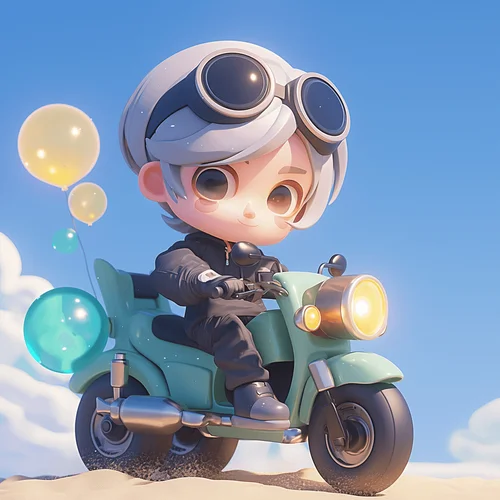
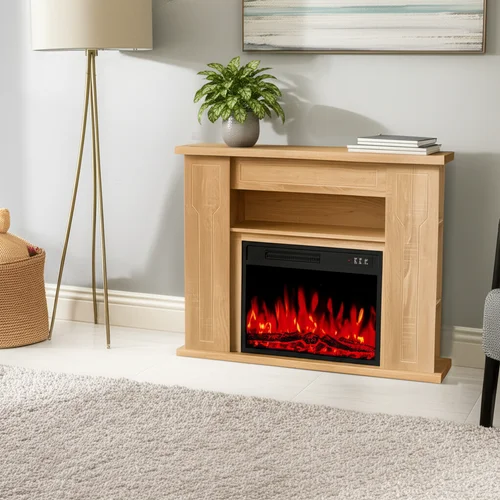
Drag the slider to compare before and after results
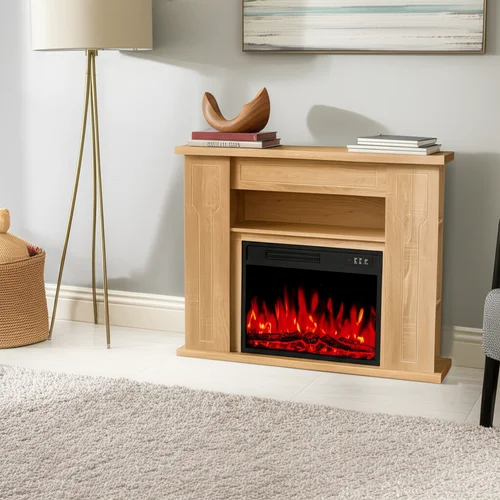
Why "Standard" AI Editors Are Not Enough
Most AI inpainting tools strive for "creativity" but sacrifice "accuracy." They often:
We only render the pixels you paint over.
Backgrounds are mathematically locked.
AI only works on the edges to ensure the new object fits the scene naturally.
How to Use Precision Inpainting
Upload & Inspect
Import your image. Our tool supports high-resolution formats without compression artifacts.
Mark the Area
Use the brush to cover the object or area you want to change.
Tip: You don't need to be perfect; cover slightly more than the object's edge for better blending.
Prompt & Generate
Describe what you want (e.g., "A vintage leather sofa") or leave it blank to remove the object entirely.
Frequently Asked Questions
Stop Worrying About Unwanted Changes
Get precise control over your AI edits today.